Turn your sources into insights, audio conversations, and study guides with NotebookLM.͏ ͏ ͏ ͏ ͏ ͏ ͏ ͏ ͏ ͏

|
|
|
Welcome to
NotebookLM
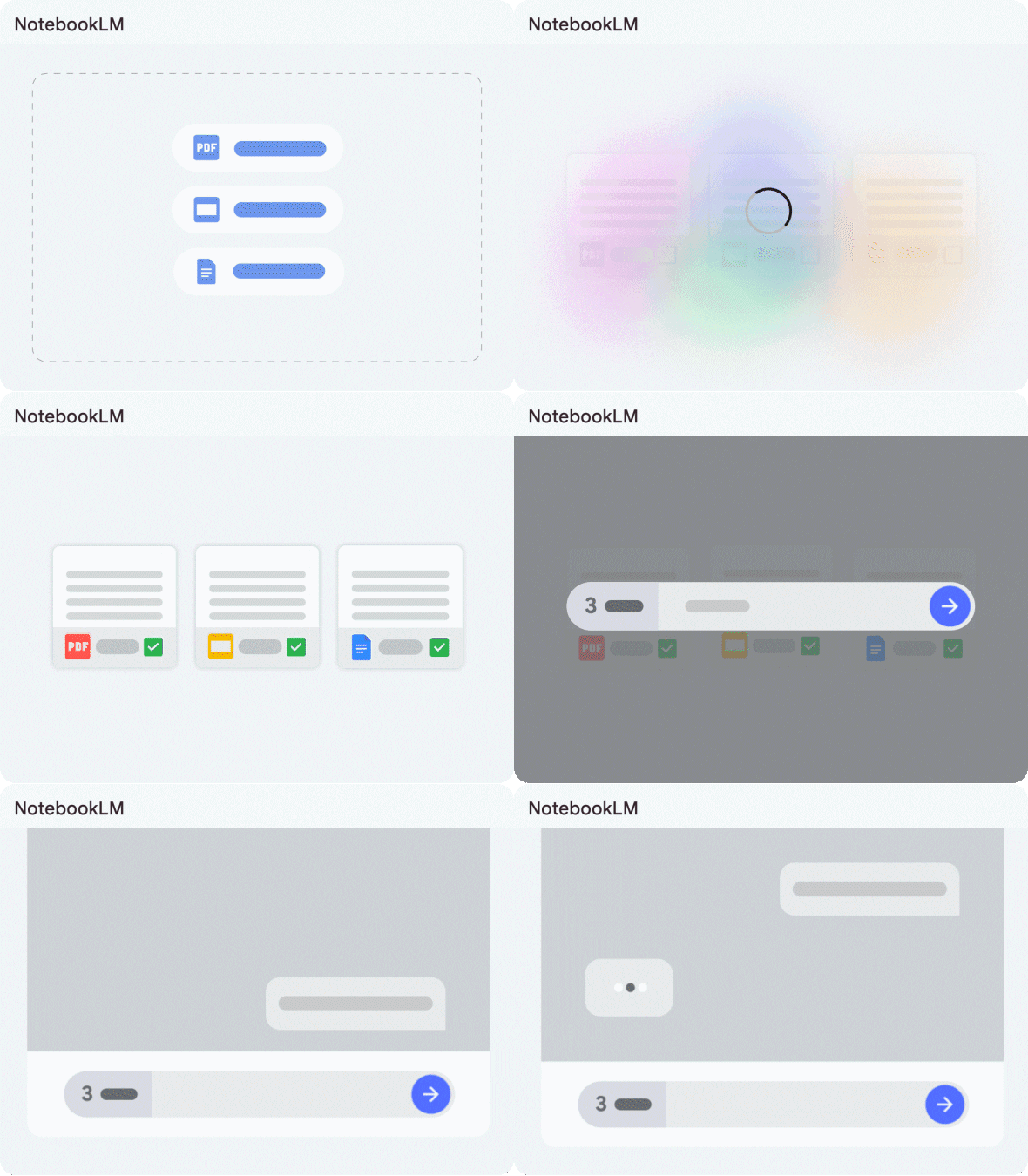
NotebookLM is your AI research assistant, helping you gain insights and make quick connections between sources central to your projects.
Start a notebook
|
|
|
Listen, learn, research, and more |
 |
CREATE AUDIO OVERVIEWSGenerate an audio conversation about your sources for listening on the go. |
|
Upload sources
|
|
| |
 |
MAKE A STUDY GUIDE IN SECONDSGet a comprehensive summary of your sources to help you study more efficiently. |
|
Create a study guide
|
|
| |
 |
RESEARCH WITH CONFIDENCEAsk questions and get answers with citations from your sources. |
|
Explore your sources
|
|
|
|
How to create a notebook |
 |
|
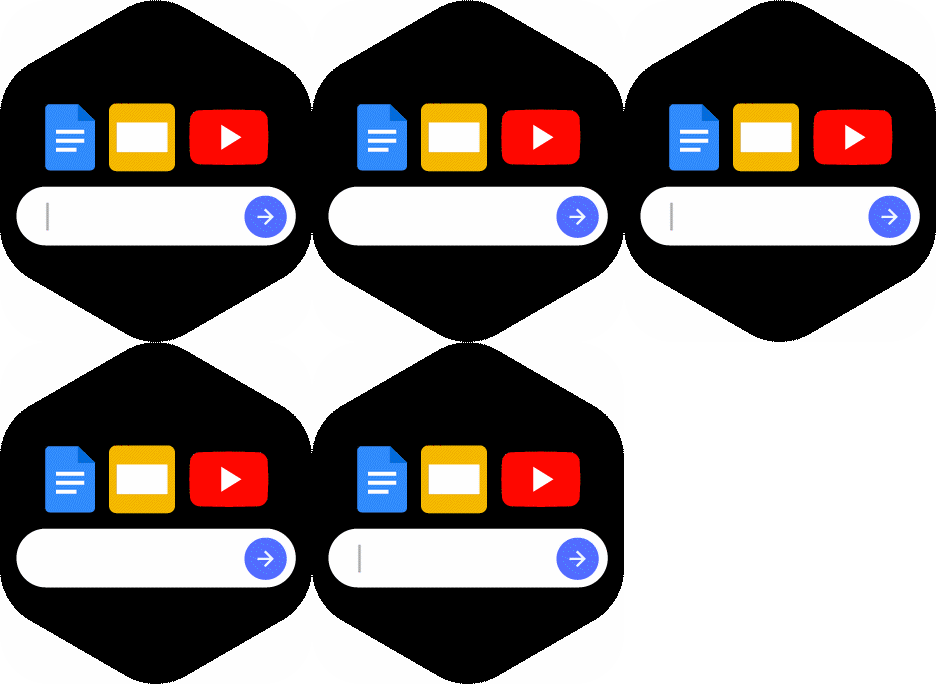
UPLOAD SOURCES ON YOUR TOPIC
You can use Google Docs, Google
Slides, YouTube videos, PDFs, audio
uploads, and copy-pasted text with up to
500K words per source. For best results,
upload multiple sources—up to 50 per
notebook.
|
|
| |
|
|
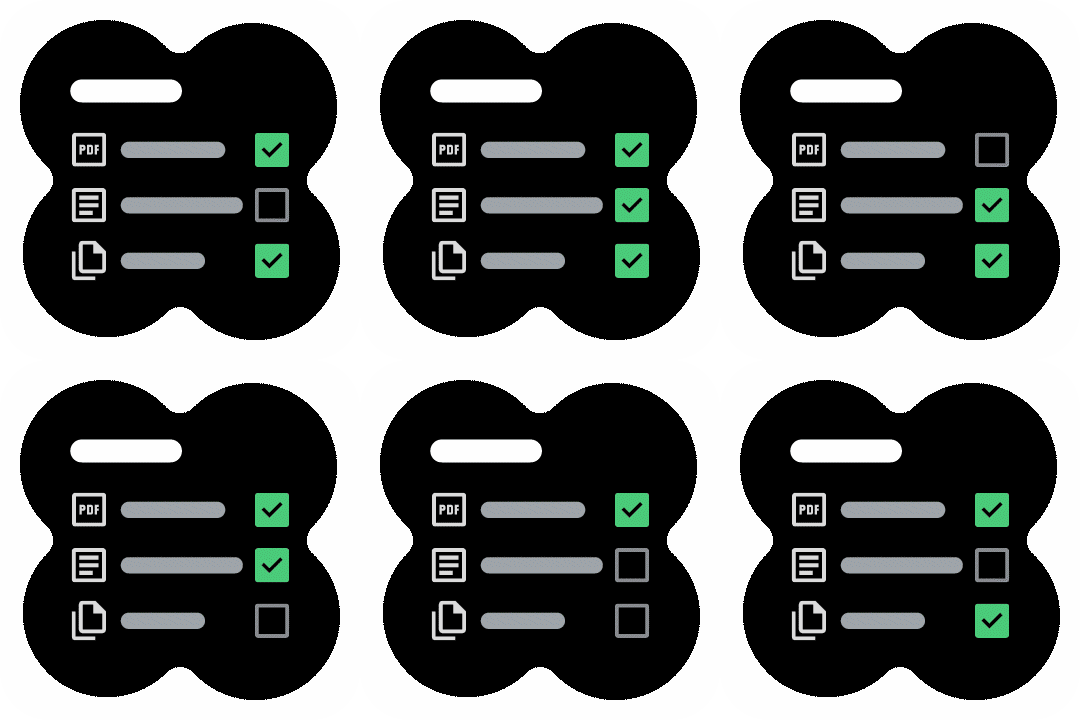
ASK QUESTIONS ACROSS SOURCES
Type custom questions or use
suggested questions to learn and
brainstorm. Check and uncheck sources
to vary the information used and try
different angles.
|
|
|
Get started
|
|
|
|