|
|
Welcome to Quarto
Quarto is your AI research assistant. Add the sources that matter to a project and Quarto answers from them, with a citation on every claim.
|

|
|
What you can do with a project

|
Audio overviews
Generate a two-host audio conversation about your sources so you can listen on the go.
Hear an audio overview
|
|

|
Study guides
Turn a project into a study guide with key terms, a timeline, and practice questions, in seconds.
Build a study guide
|
|

|
Inline citations
Every sentence Quarto writes carries a citation you can open to jump to the exact passage in the source.
Follow a citation
|
|
|
Set up your first project in two steps
|
Step 1
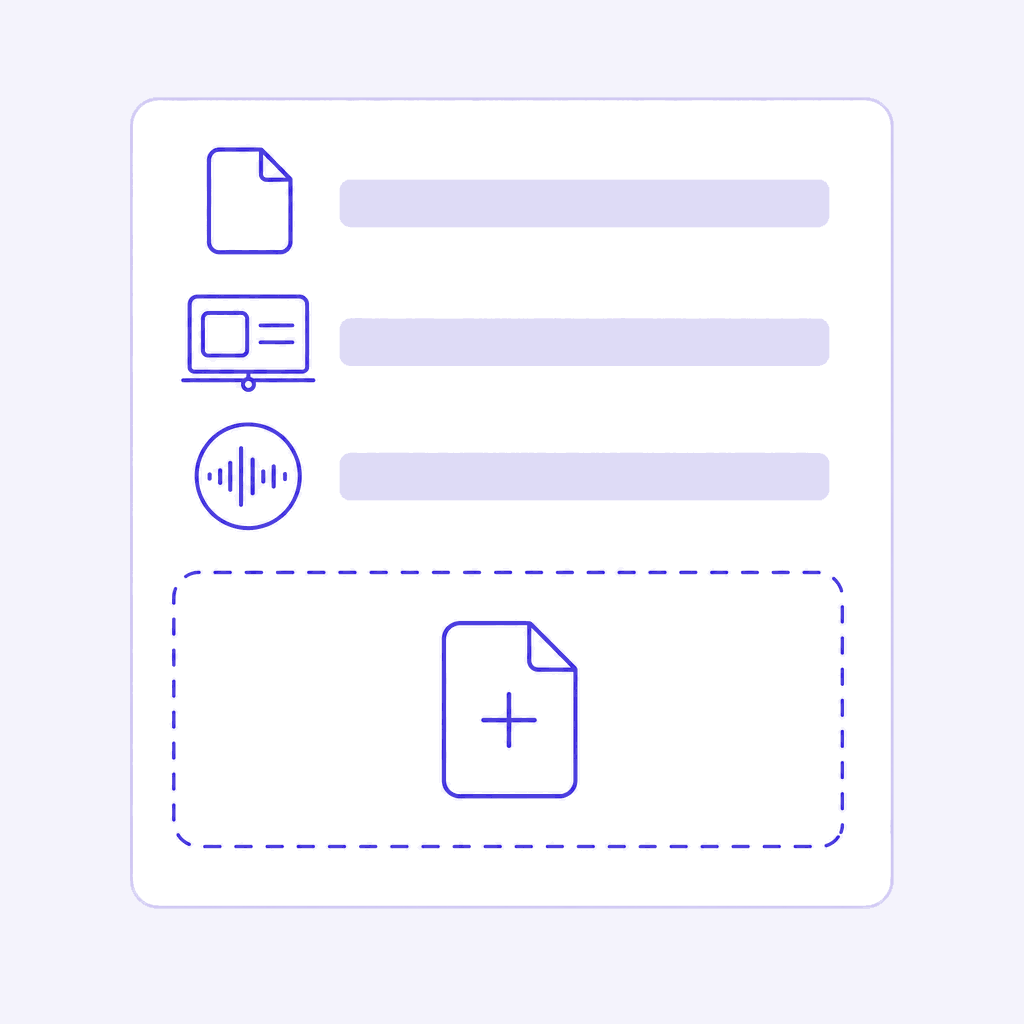
Add sources on your topic
Quarto reads documents, slide decks, meeting transcripts, PDFs, audio files, and pasted text, up to 500,000 words per source, and up to 50 sources per project.
Add your first sources
|
|

|
Step 2
Ask across every source
Type your own question or pick a suggested one, and switch individual sources on and off to change what an answer draws on.
Ask across your sources
|
|
|
|
|
|