
|
|||
Pipeline Monitors are now availablePipeline Monitors are live in every Trestle workspace. They watch your CI pipelines the way an uptime service watches a website, and open a Trestle issue when something goes wrong. 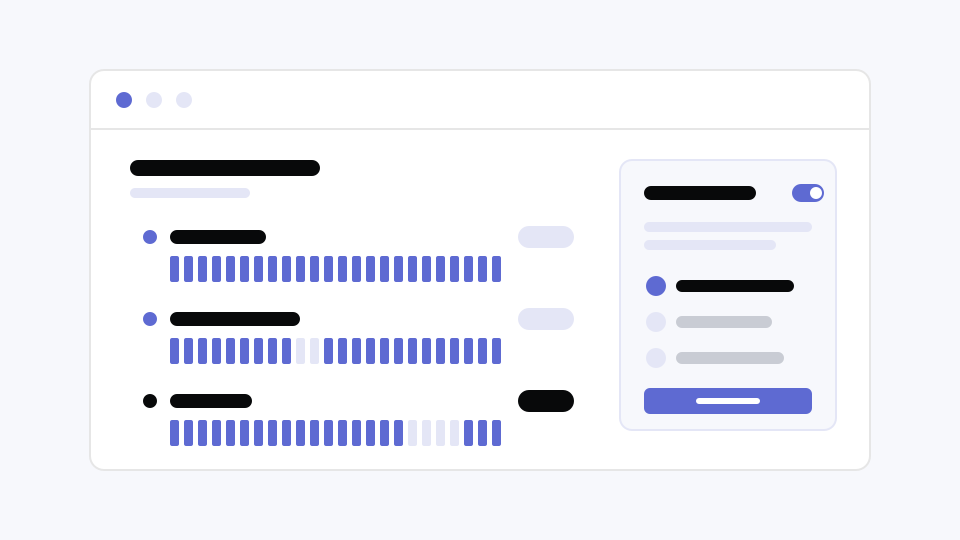
What’s new
Alert rules handle routing. One rule can be attached to many monitors, and each rule delivers to email, chat, or on-call paging, so you configure routing once and reuse it everywhere. What to expectYour existing pipeline failure notifications have been migrated as alert rules, so no action is required. Monitors live in a new Monitors tab in every project. Every workspace includes 10 monitors at no charge. Additional monitors are $2 per monitor per month. Questions? Visit the help center. —The Trestle Team |

Trestle, Inc.
418 Span Street, Portland, OR 97209
418 Span Street, Portland, OR 97209